
Security & Notifications
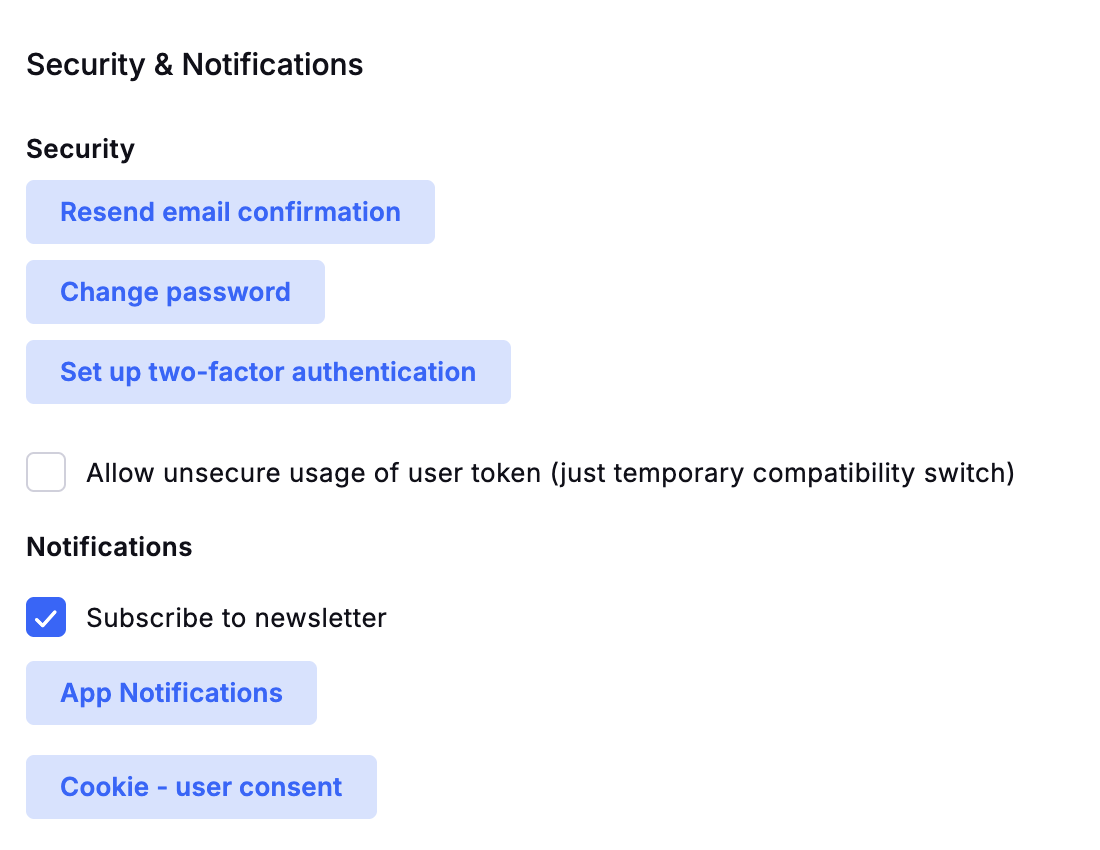
Click your avatar in the top right corner and open Security & Notifications.
Security & Notifications
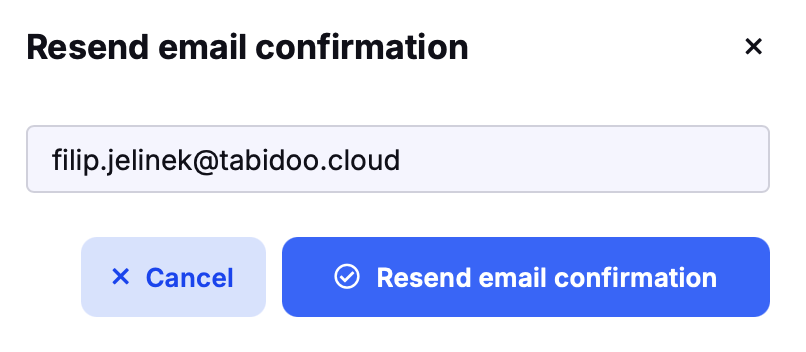
Resend email confirmation
Use it if you did not receive the e-mail to confirm your account. Your e-mail address is filled in automatically – check it and click Resend email confirmation. A new confirmation e-mail is sent to your inbox.
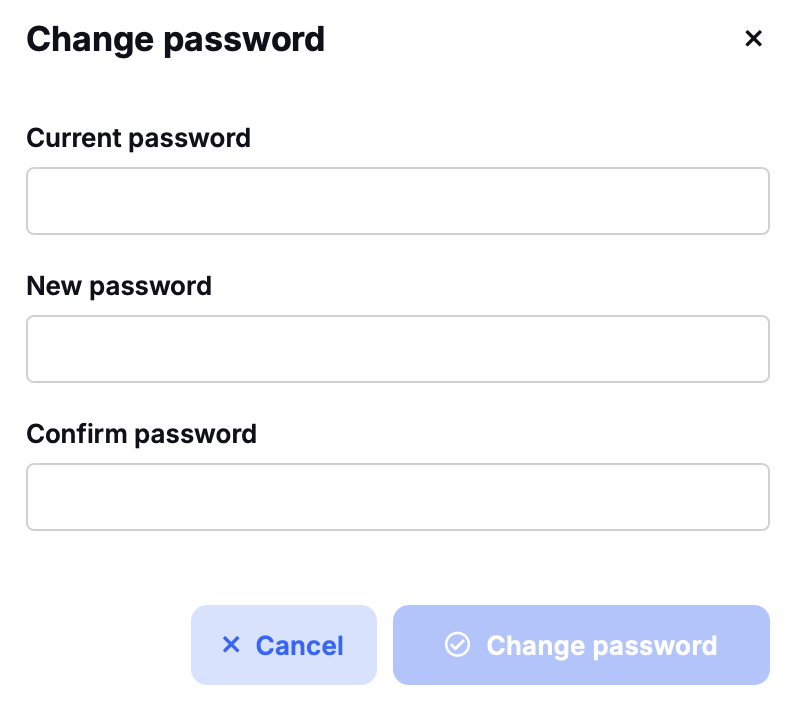
Change password
Enter your current password, then your new password twice. The Change password button becomes available when all fields are filled in correctly.
Forgot your password? Use Password reset on the sign-in page.
Two-factor authentication
With two-factor authentication (2FA), you sign in with your password and a code from an authenticator app on your phone. To turn it on, click Set up two-factor authentication and follow the steps.
Important: Once 2FA is on, you cannot sign in without a valid code. Before you leave the settings, check that the authenticator app shows codes for Tabidoo. If it doesn't, turn 2FA off.
Lost your authenticator?
- On the sign-in page, click Password reset.
- Open the link we send you by e-mail.
- On the reset password page, set up 2FA again. You don't have to change your password.
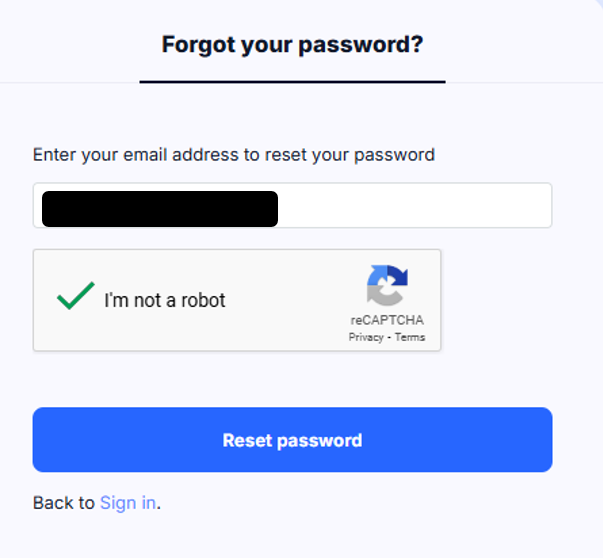
Password reset on the sign-in page
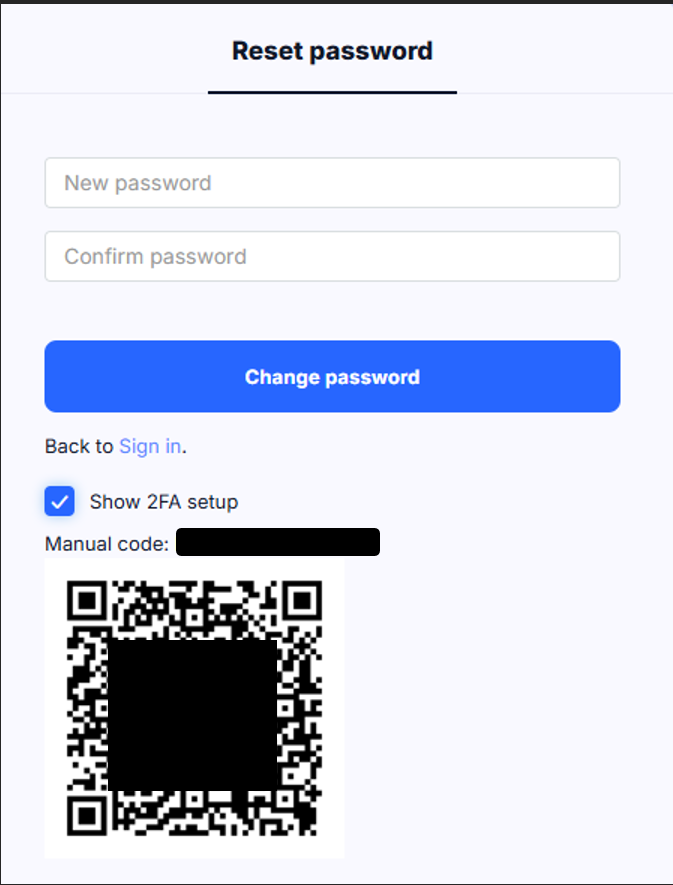
Setting up 2FA again on the reset password page
If you still can't sign in, contact support@tabidoo.cloud.
Allow unsecure usage of user token
A temporary compatibility switch for older integrations. It allows the user token to be used in a less secure way. Keep it off unless an older integration needs it.
Subscribe to newsletter
Check it to receive the Tabidoo newsletter. Uncheck it to stop.
App notifications
Click App Notifications to choose which notifications you want to receive from each application:
- In-app notifications
Uncheck an option to stop that type of notification for the application.
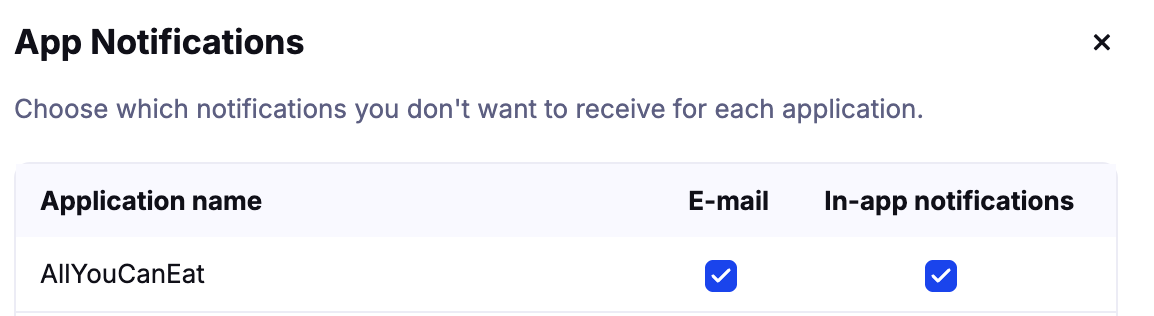
App Notifications
Alerts about the limits of your plan are set separately – see Data Usage – Notifications. More about notifications: Notifications in Tabidoo.
Cookie consent
Click Cookie - user consent to review or change your cookie preferences.