
New Look (BETA)
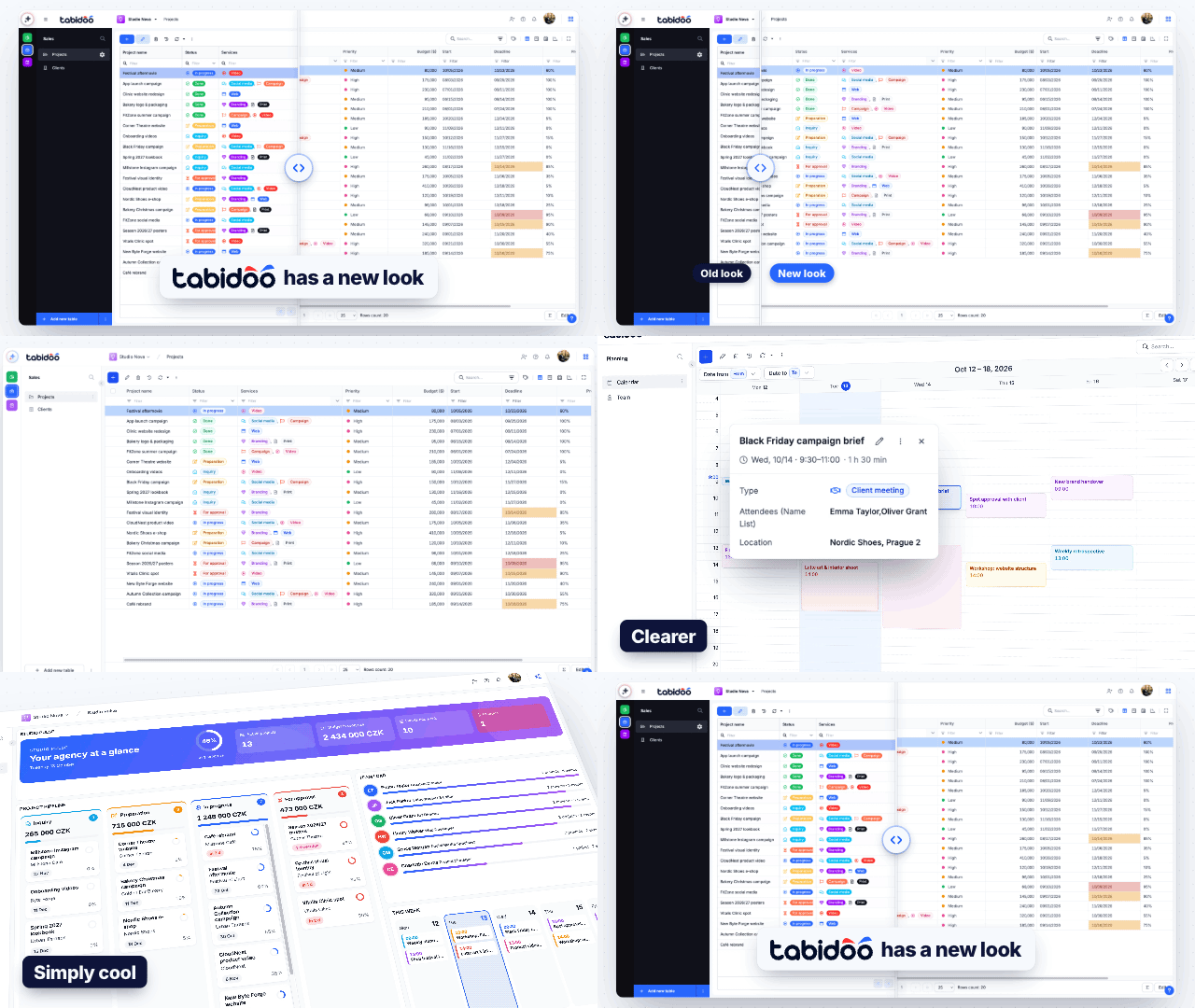
Tabidoo introduces a fresh, modern, and more intuitive interface. The redesigned Calendar, Kanban, and other visual improvements make everyday work easier and more enjoyable. The new look is now available to try in beta.
What's new
- Cleaner layout – a light navigation panel with your applications and tables leaves more room for your data. You can collapse the panel with the arrow next to it.
- Redesigned Calendar – events are easier to read, and the event detail shows the most important information at a glance.
- Redesigned Kanban – smoother drag and drop when you move cards.
- Other visual improvements across the whole application.
How to turn on the new look
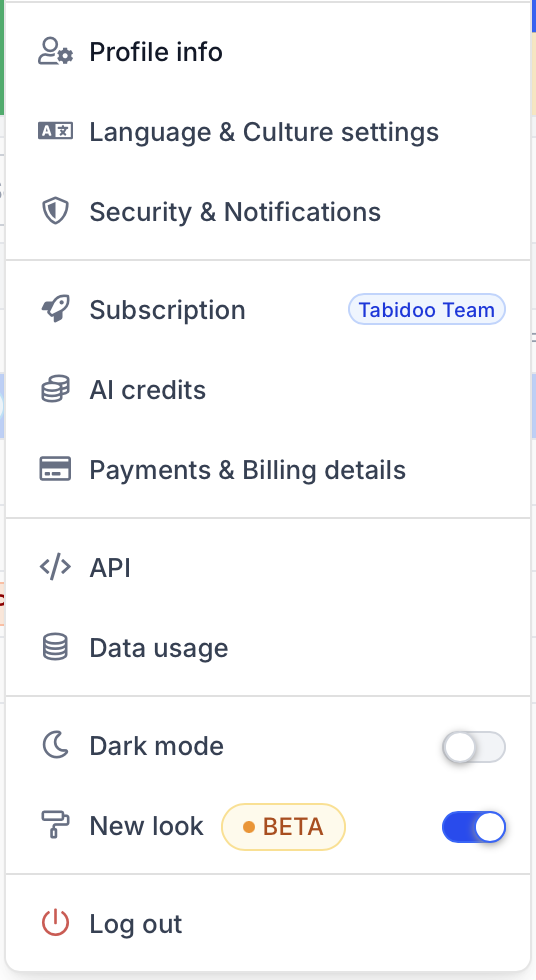
- Click your avatar in the top right corner.
- Turn on New look.
You can switch between the new and the original look at any time – just turn New look off again.
Good to know
- The new look is in beta. Some parts may still change based on your feedback.
- The new look changes only how Tabidoo looks. Your applications, data, and settings stay the same.
- The setting applies only to you. Other users of your applications keep the look they have chosen.
Tell us what you think
We would love to hear your feedback. Send it to support@tabidoo.cloud.