
New Field type picker
Choosing a Field Type
When you add or edit a field in Table fields, you choose its type in the Field type dropdown. The field types are no longer shown as tiles – they are listed in a searchable dropdown.
Each field type in the list shows:
- an icon,
- the name of the field type,
- a short description of what the field is for.
The field types are grouped into categories, such as Text, Numbers, Date and Time, Selection, Files, Relations or Others.
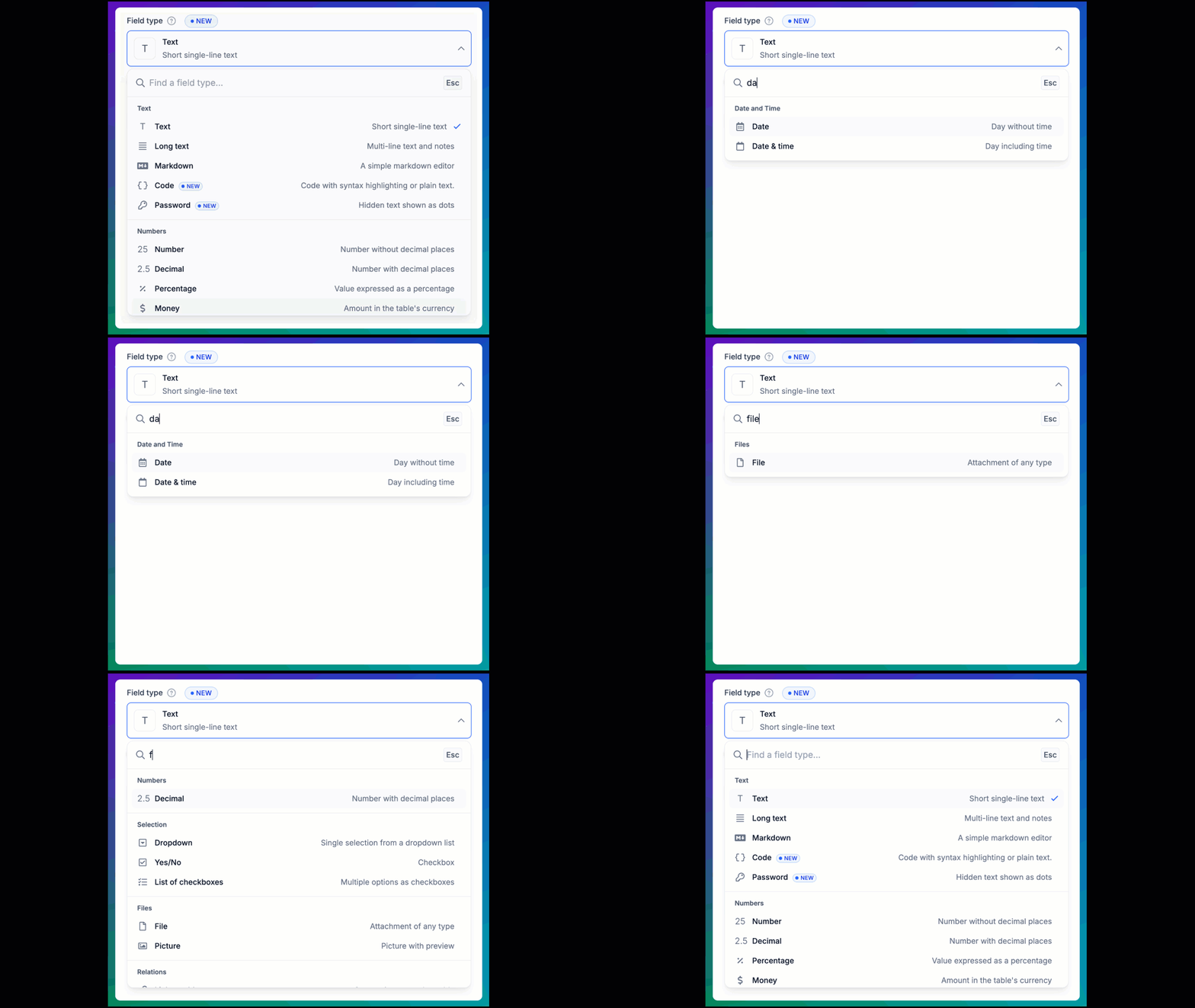
Field type with icons, names, and descriptions
Finding a field type quickly
Start typing in the Search box at the top of the list. Only the field types that match your text are shown. The search looks in both the name and the description of each field type.
For example, when you type text, you will see Text, Long text, and Code, and also Password, because its description is "Hidden text shown as dots".
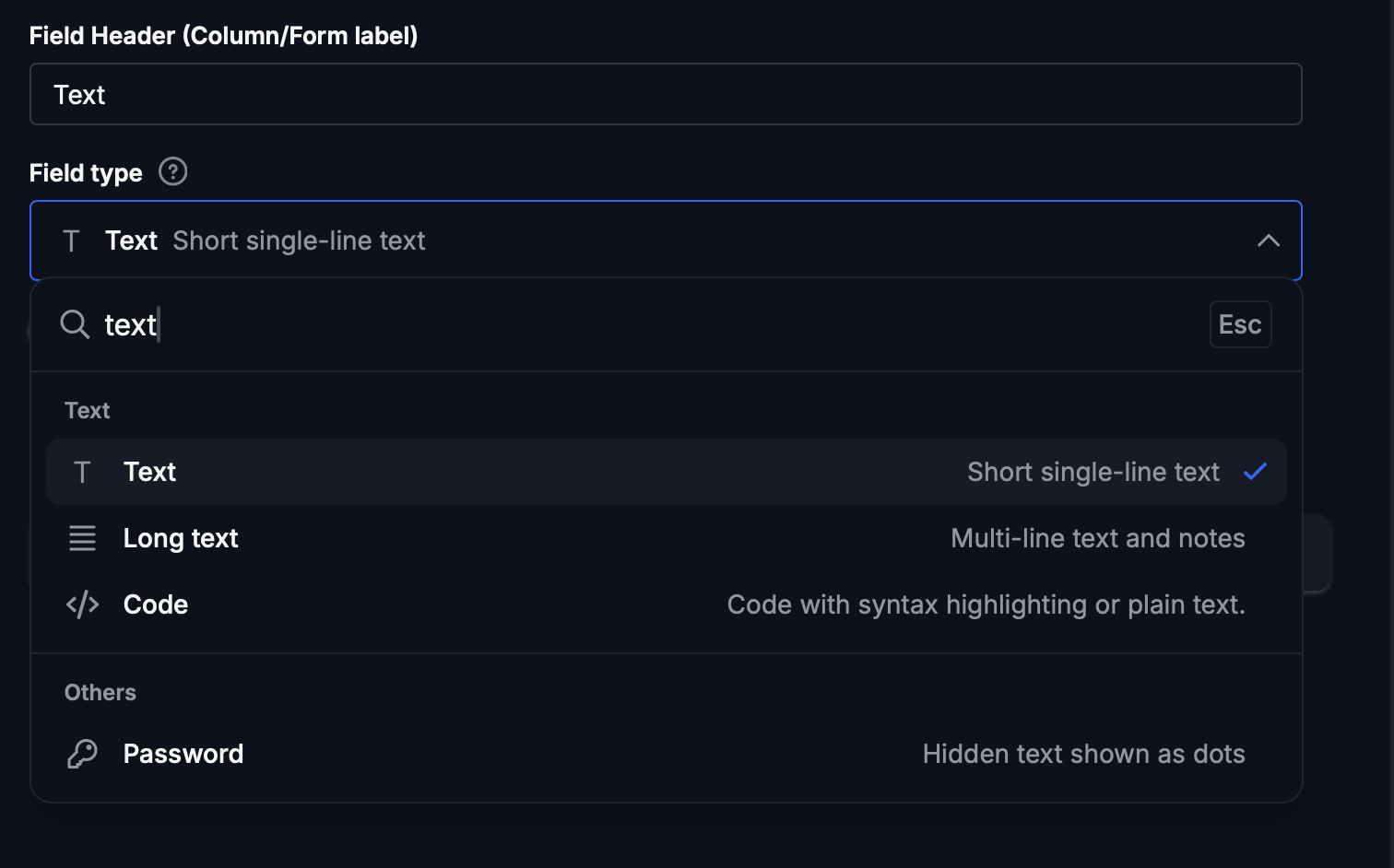
Searching for field types related to text
Press Esc to close the list without changing the field type.