---
title: "Custom Fields & Widgets"
url: "https://help.tabidoo.cloud/en/article/custom-fields-widgets"
language: "en"
last_updated: "2026-05-27T09:00:04.091Z"
---
# Custom Fields & Widgets
Tabidoo gives you the flexibility to extend your applications with custom logic, dynamic visuals, and tailored dashboards using Free HTML elements.
These components allow you to embed your own **HTML, CSS, and JavaScript** directly into forms or dashboards — giving you full control over the user experience.
* * *
## What You Need to Know
To use **Free HTML fields or widgets**, you should have a basic understanding of:
| Skill | Why It's Needed |
| --- | --- |
| **HTML** | To structure the output (e.g. buttons, text, layout) |
| **CSS** | To visually style components (colors, spacing, animations) |
| **JavaScript** | To dynamically manipulate data and content |
| *(Optionally)* **Tabidoo’s model & data access methods** | To connect your logic with live data |
* * *
## Free HTML Field (Beta)
The **Free HTML field** is a special type of field that you can add to any table. It renders custom HTML content **within the form view** and can react to changes in the current record's data.
### [Free HTML Field – Official Docs](https://help.tabidoo.cloud/en/article/advanced-fields#freehtml-input-(beta))
According to the official documentation:
> It allows you to **display custom data** in your form using HTML, CSS, and JS.
> You can even **fetch and display data from other records or tables**, although the field remains part of a specific record and only appears in its form.
### Key Characteristics
Rendered inside the **form of a single record**
Has access to `**doo.model**` – i.e., the current record’s values
You can **fetch data from other tables** using the Tabidoo JS API
You can react to data changes using `onModelChange`
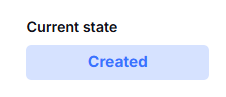
#### Use Case Example: Show Latest Status
Let’s say you have multiple date fields (created, delivered, invoiced, etc.) and want to determine which status is the most recent.
**Visual element:**
HTML:
```html
Loading...
```
**JavaScript idea (simplified):**
```javascript
// On any status field change // Compare dates -> find latest -> show the label in the HTML element
```
> Note: The field does **not store** any values, it’s a **read-only renderer** for computed or visual output.
* * *
## Free HTML Widget
The **Free HTML widget** is used on **Dashboards** and serves a different purpose: rendering **aggregated data** or **custom visualizations** across the entire dataset, often across multiple tables.
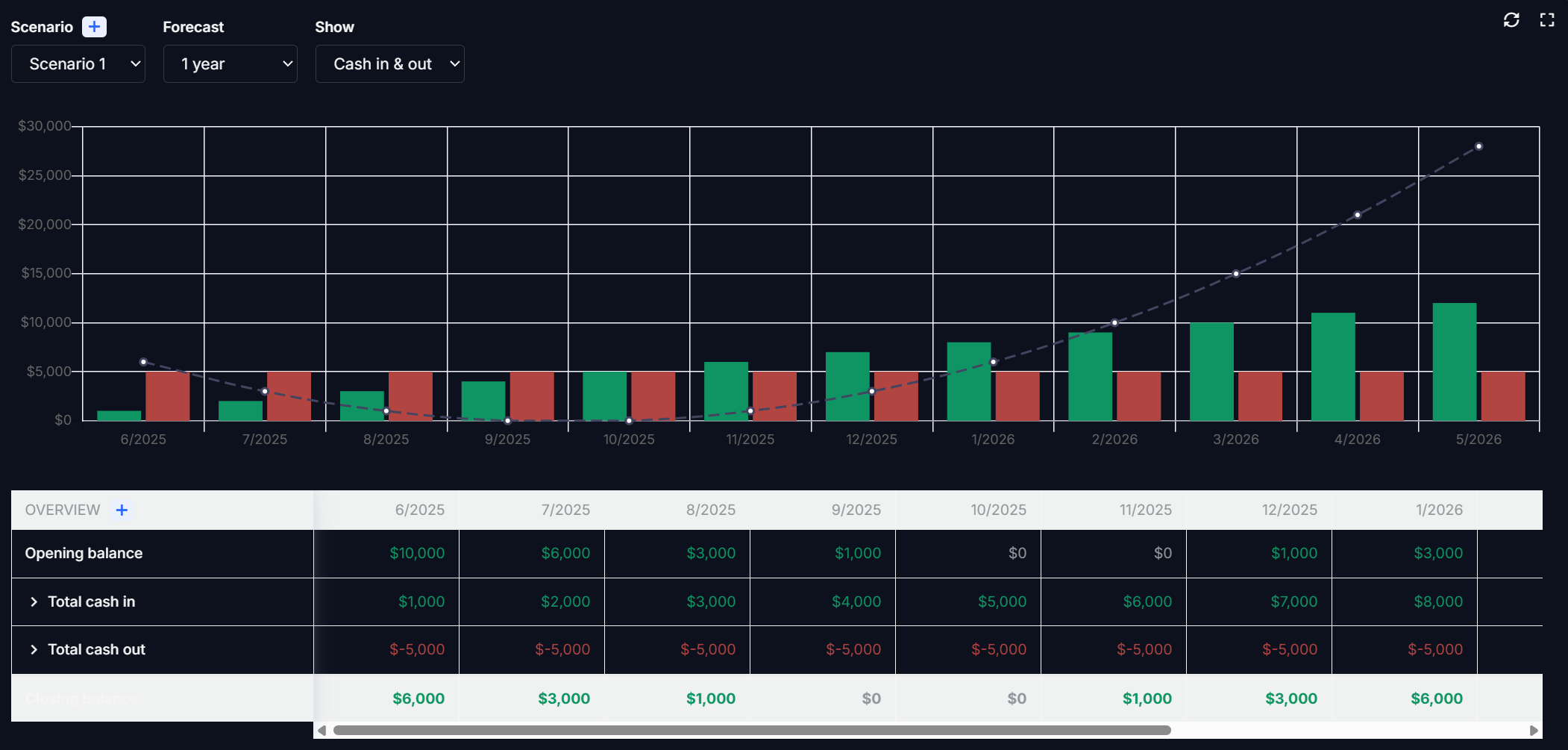
### [Free HTML Widget – Official Docs](https://help.tabidoo.cloud/en/article/widget-free-html)
From the docs:
> This widget enables you to display a **completely custom design** or report using JavaScript, HTML, and CSS.
> It can utilize **data from Tabidoo using the dataProvider interface** and present it as charts, graphs, custom layouts, or metrics.
### Key Characteristics
Renders on the **Dashboard**, not in individual records
Has access to `dataProvider`, `context`, and external sources
Used for **custom visual reports, KPIs, dashboards**
You can create filters, animations, or even embed other components
### Use Case Example: Forecasting
One common use is forecasting future revenue or cash flow. You can visualize incoming/outgoing funds with filters (e.g., Scenario, Forecast period, etc.) and show it using a chart library or basic HTML/CSS.
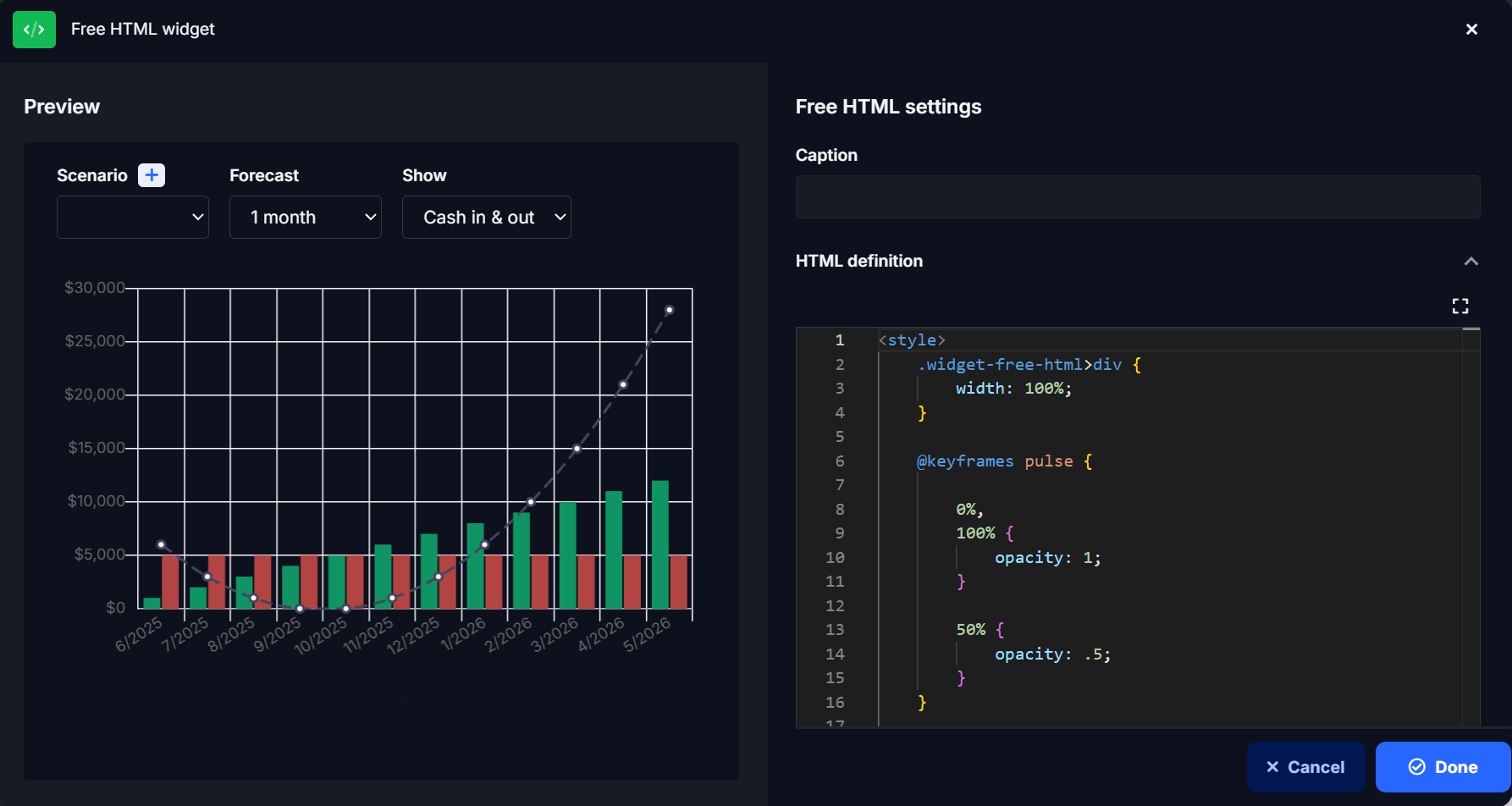
**HTML/CSS example (style):**
```html
```
This style animates elements with a pulse effect and ensures full-width rendering.
> You can also use libraries like **Chart.js**, **Google Charts**, or embed interactive dashboards.
* * *
## Comparison: Field vs Widget
| Feature | Free HTML Field | Free HTML Widget |
| --- | --- | --- |
| Location | Inside **form** | On **dashboard** |
| Scope | Single record | Multiple records / tables |
| Data Access | `doo.model`, JS API | `dataProvider`, filters |
| Use Case | Dynamic status, label, indicator | Reports, KPIs, charts |
| Can use JS/HTML/CSS | ✅ | ✅ |
| Can access external data | Partially | Fully |
* * *
## Summary
By using **Free HTML in fields and widgets**, you can:
- Create **custom views** for better data interpretation
- React to real-time changes in data
- Display charts, badges, predictions, or any other logic
- Extend Tabidoo beyond no-code limitations